
Unwanted observation
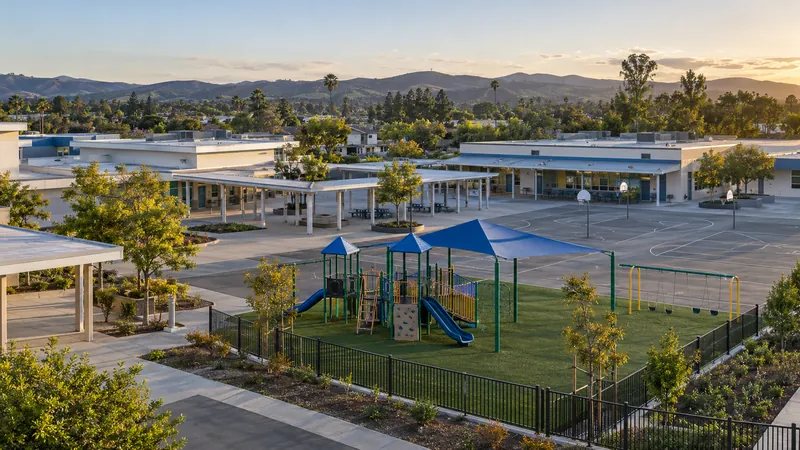
A camera drone near a playground or classroom can raise concerns about students being photographed. Staff need the flight’s location and timing to investigate the concern and follow school procedures.
Schools
When an unfamiliar drone appears near students, staff need more than a brief sighting. DroneLook helps your team see detected flights, investigate privacy and safety concerns, and keep a record of repeat activity.
Why it matters
Playgrounds, athletic fields, and school events put students outdoors. Unexpected drone activity creates questions staff need to address.
A camera drone near a playground or classroom can raise concerns about students being photographed. Staff need the flight’s location and timing to investigate the concern and follow school procedures.
A drone that loses control near students can cause injury. Give the people supervising outdoor areas information they can use to assess the situation.
Separate complaints may describe the same aircraft. A flight history helps staff check repeated detections near a campus and document what they observed.
Documented incident
Bethlehem, New York · October 12, 2023
A drone was spotted over Slingerlands and Eagle elementary schools during the school day. Bethlehem Central School District said police traced the activity to commercial real-estate photography by an FAA-licensed operator. The district directed staff to bring students indoors if a drone was spotted and arranged advance notice of future flights by the company.
An unfamiliar flight can disrupt a school day even when its purpose is commercial. Alerts, reported locations, and flight records give campus staff information to investigate the activity and coordinate their response.
Bethlehem Central School District · October 13, 2023 (opens in a new tab)Historical context · Not a DroneLook deploymentRiverside Unified School District’s drone guidance identifies injury, property damage, and privacy concerns among the risks schools need to consider.
Riverside Unified School District · Drone / UAS Information (opens in a new tab)Where DroneLook comes in
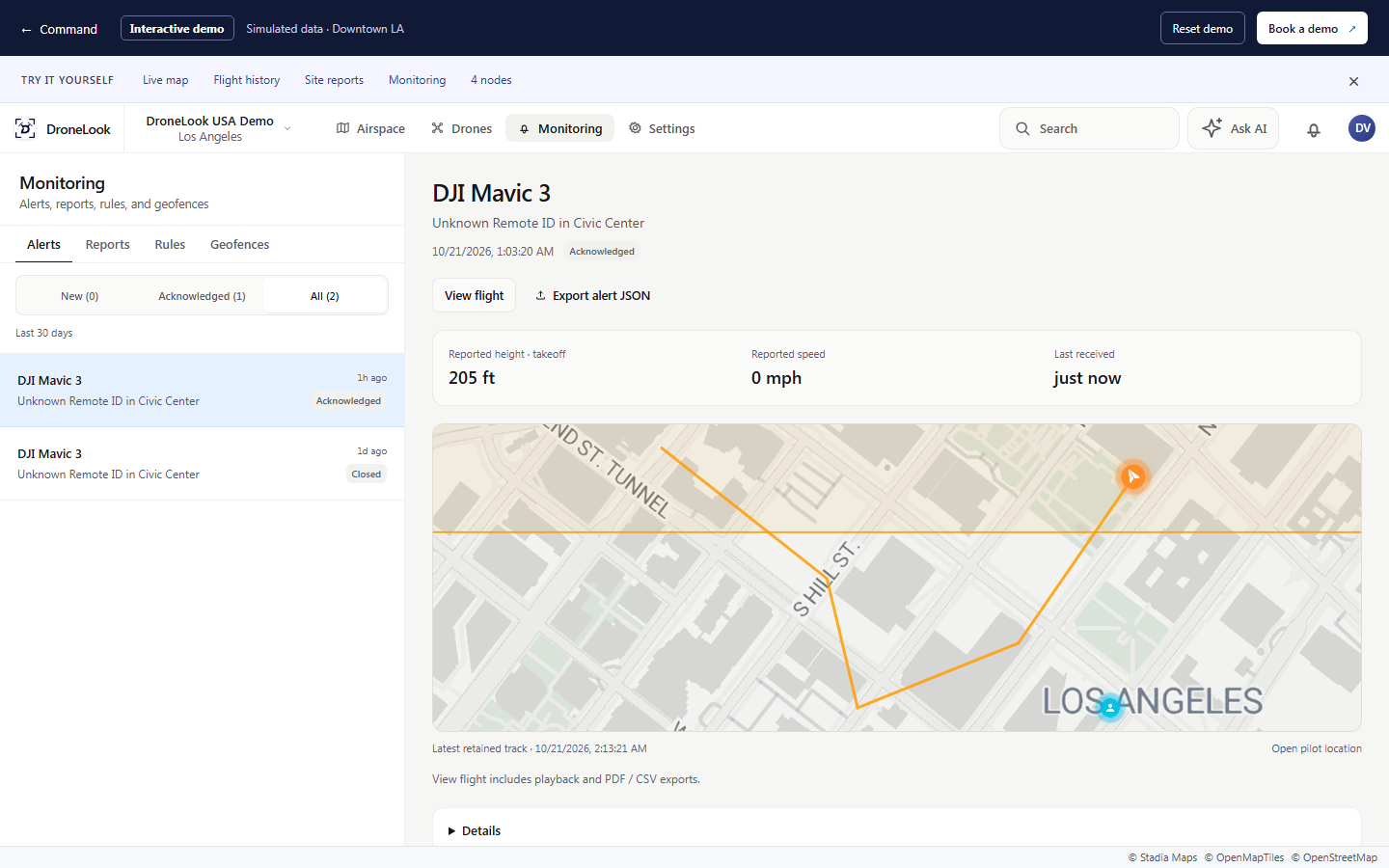
Remote ID monitoring connects a detected flight to a map and a record. Alerts can reach the staff responsible for campus safety without someone watching the screen all day.
Define areas around your campus and send detection alerts through Command, email, and/or text message.
Review the drone’s route and reported flight details, along with the pilot or takeoff position when that information is available.
Review earlier detections and export a flight or site report to support follow-up with administrators, campus safety, or law enforcement.
Your locations
Give designated staff awareness of detected flights near the areas students use every day.
Recognize known filming aircraft and investigate unfamiliar activity around games, ceremonies, and gatherings.
Connect nodes at different schools and bring detected activity into a shared Command workspace.
Range varies with the RF environment and site conditions, and may be greater or less. Custom off-grid configurations are available based on your needs.
No. Set monitoring areas and choose the staff who should receive alerts in Command, by email, and/or by text message. They can open the related flight when an alert needs review.
Classify known school and contractor aircraft so staff can recognize them on the map. Your school’s approval process supplies the context for that classification.
Command’s flight history and site reports let staff review recorded detections for the location and time of a reported sighting.
See it for yourself
Walk through the alerts, flight history, and reporting with your school or district team.